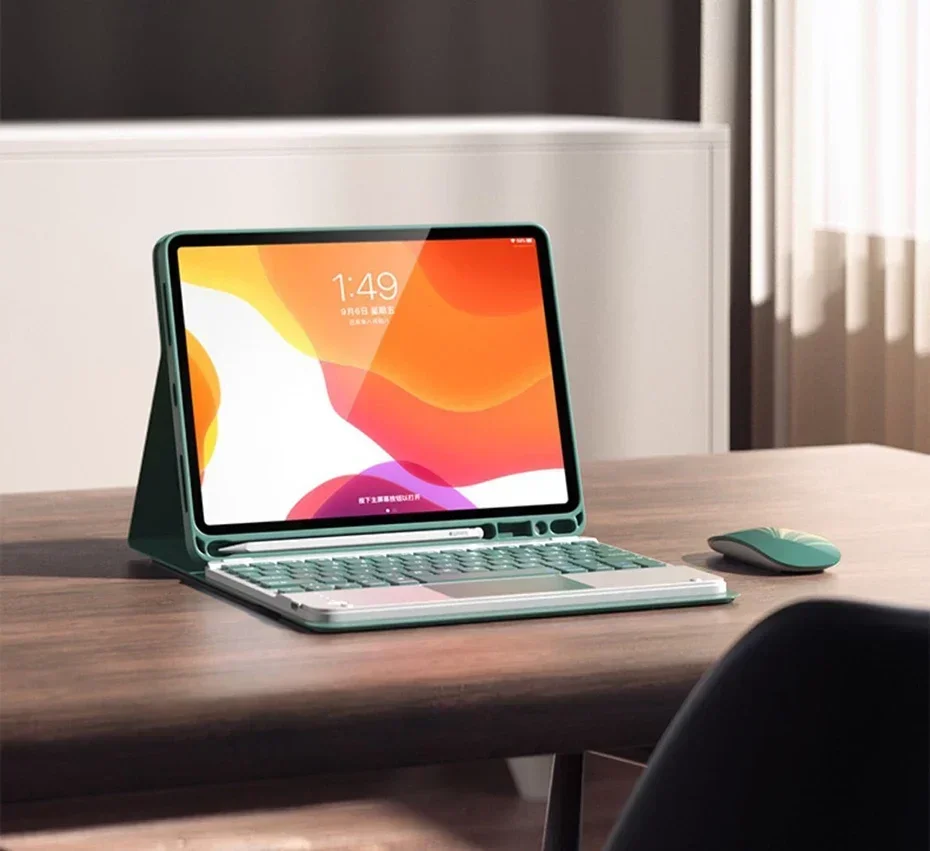
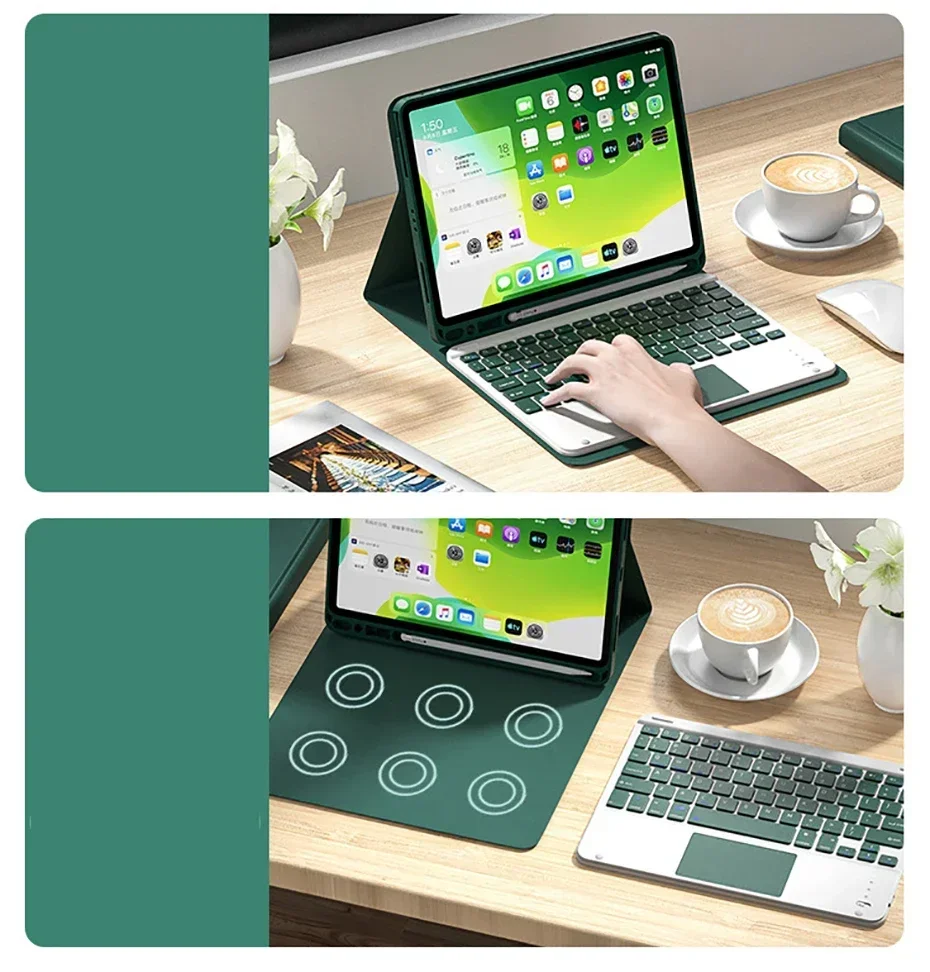
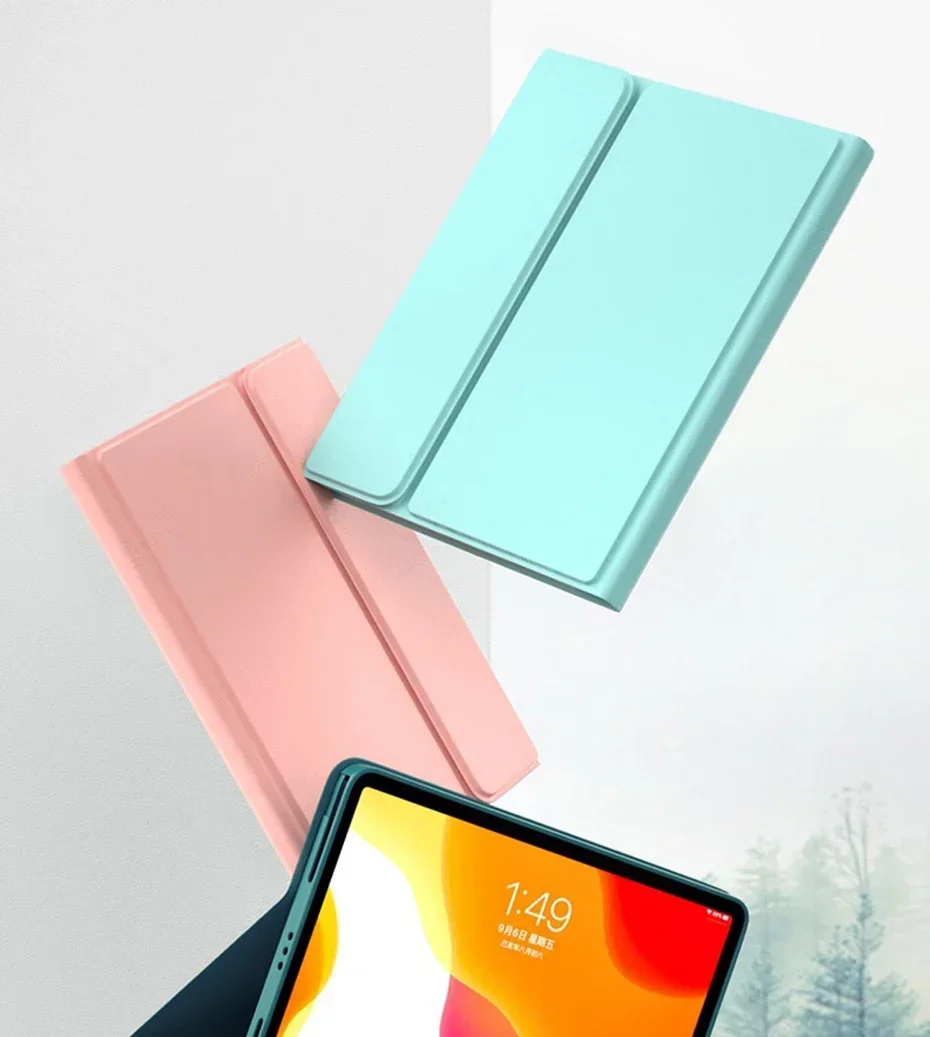
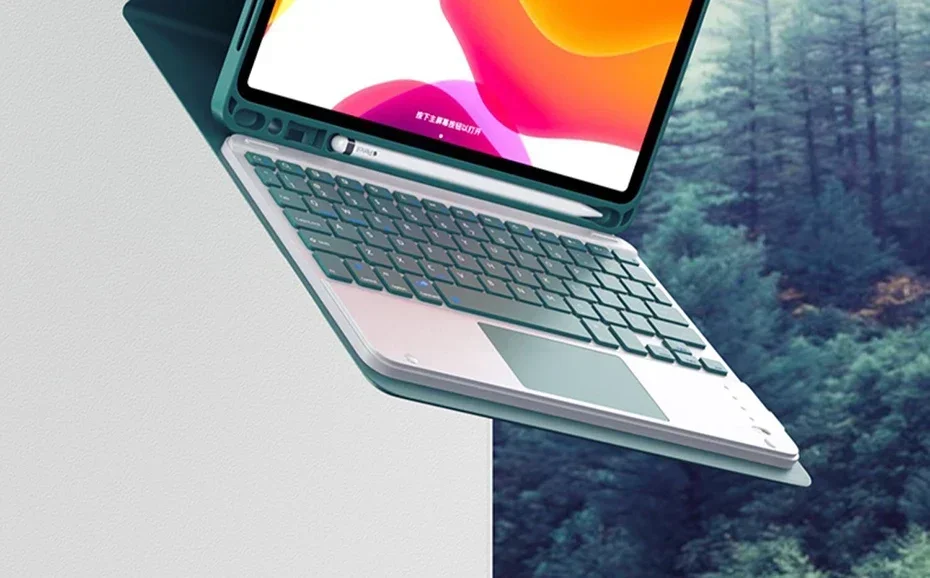
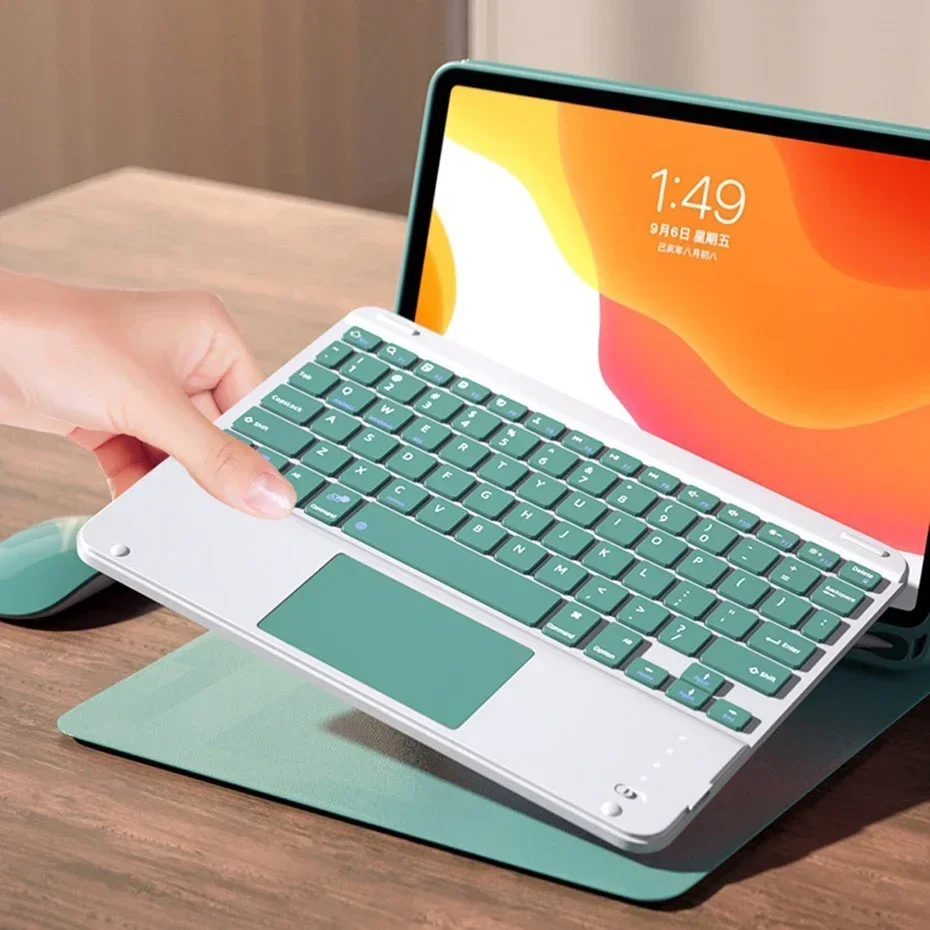
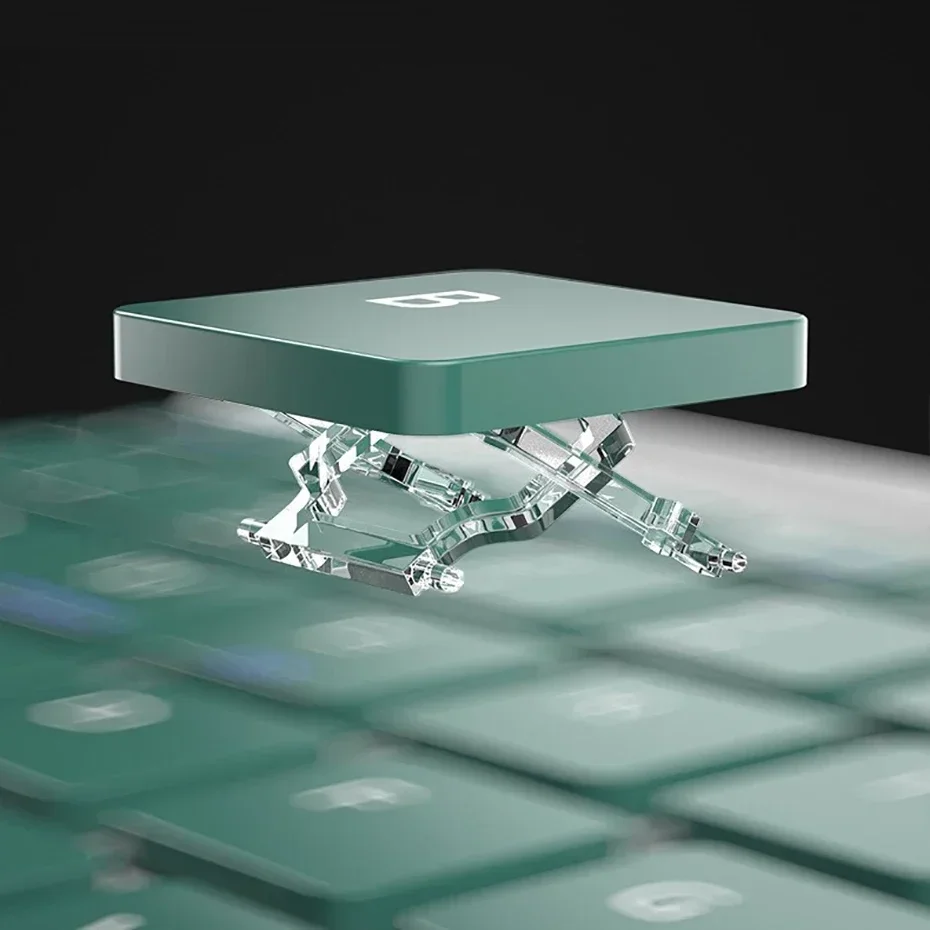
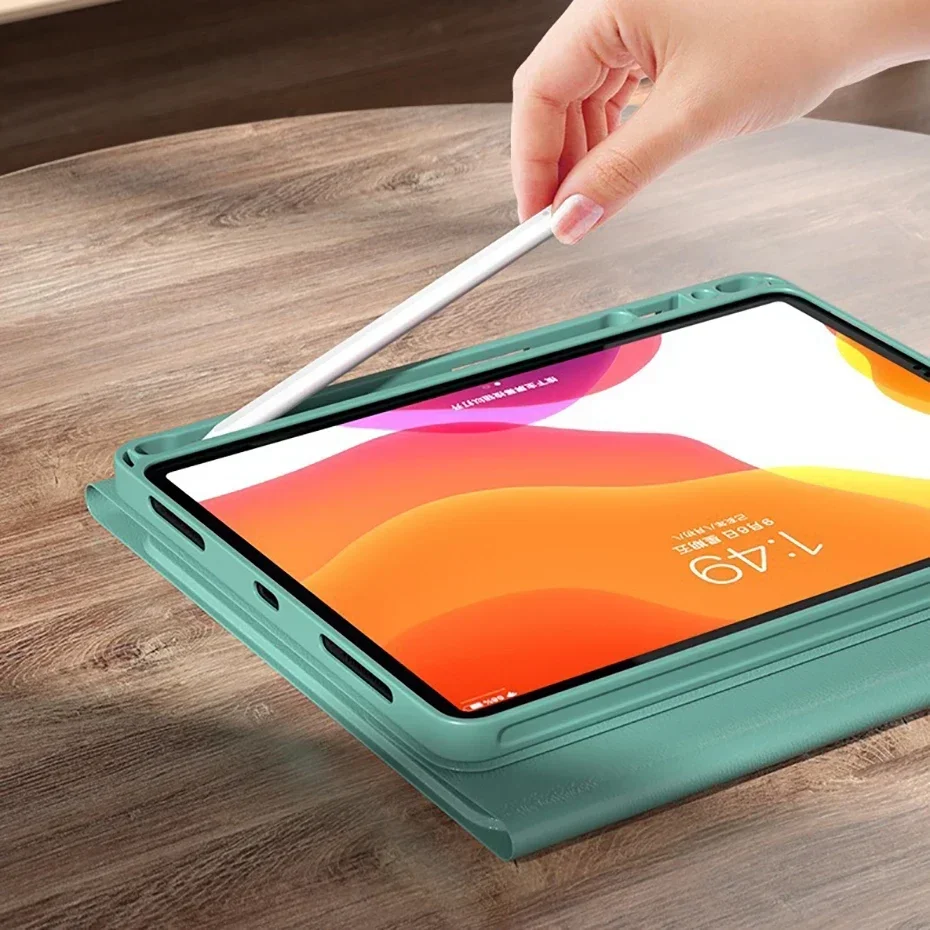
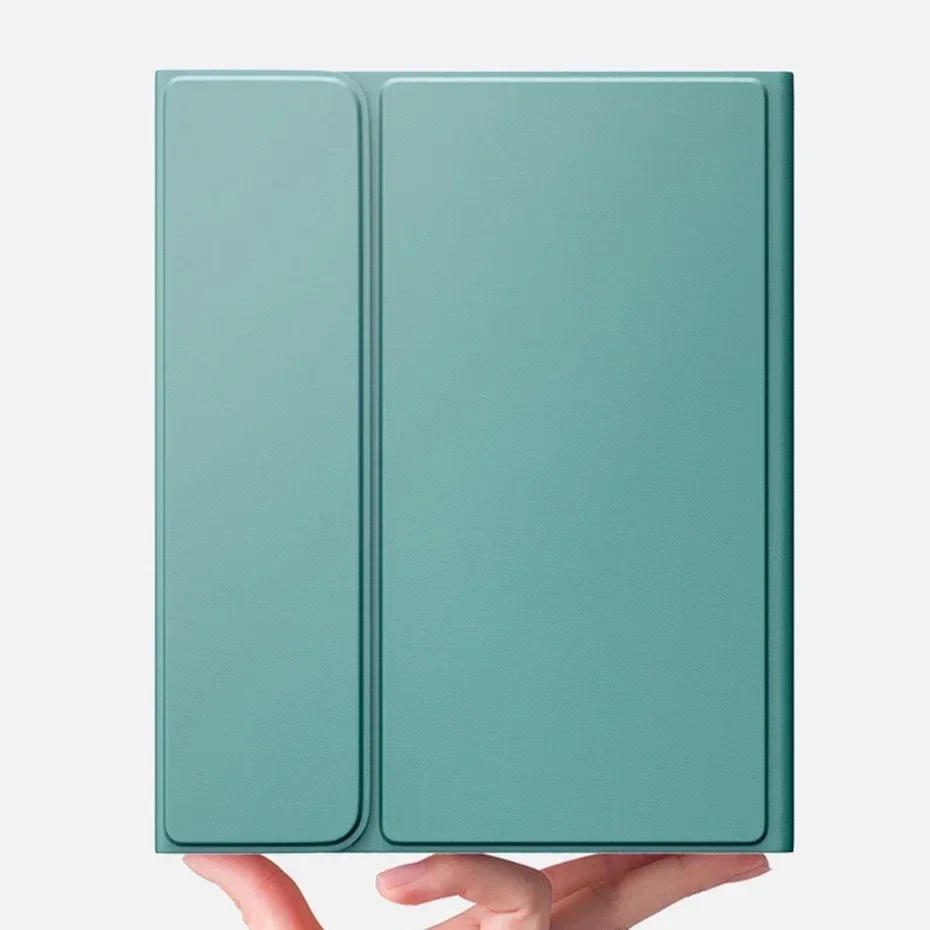
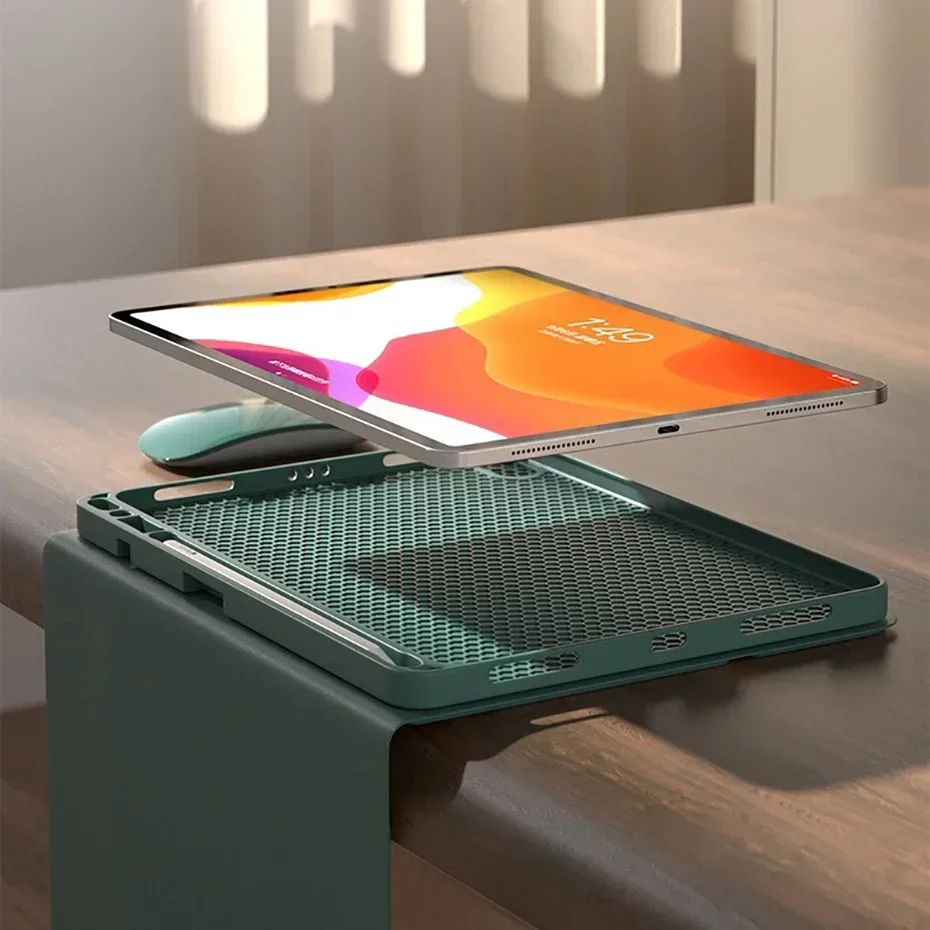
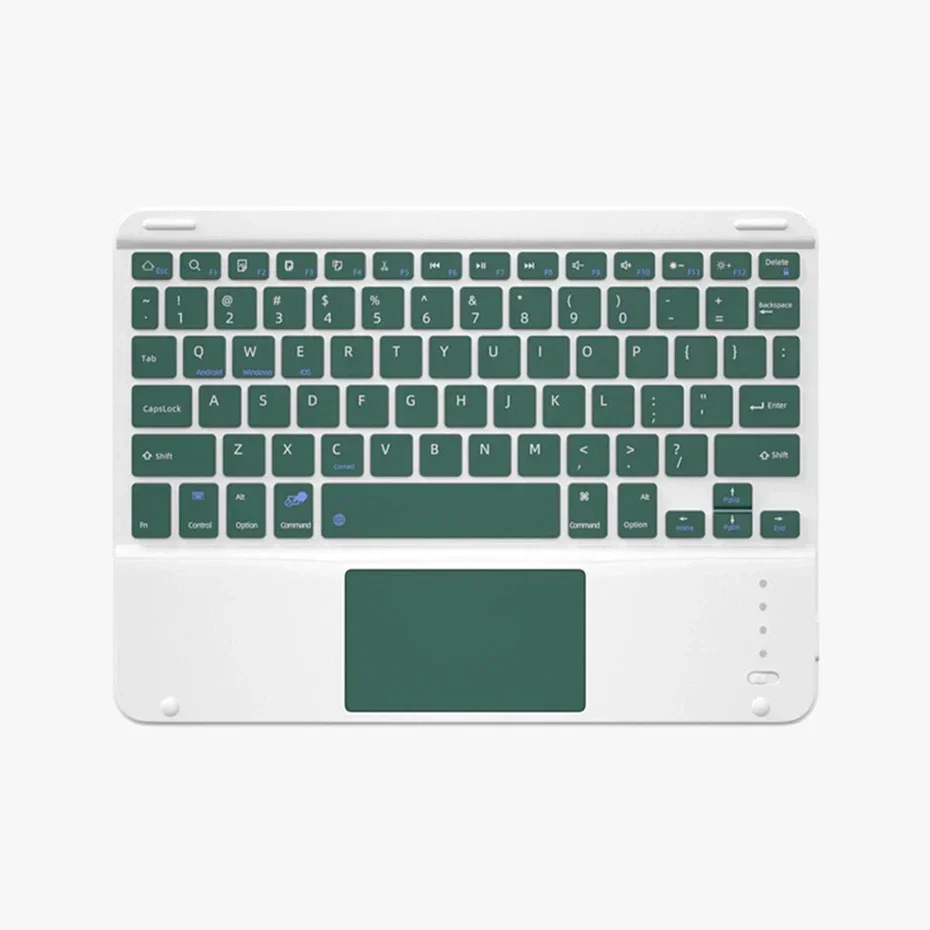
Free Mouse Touchpad Keyboard For iPad 11th Generation 11 Inch A16 2025 Magnetic Keyboard Cover For Apple iPad 11th Case 2025
black touch mouse / Spanish
R 1,001.72
Sale price
R 1,001.72
Regular price
R 0.00
Skip to product information


Free Mouse Touchpad Keyboard For iPad 11th Generation 11 Inch A16 2025 Magnetic Keyboard Cover For Apple iPad 11th Case 2025
R 1,001.72
Sale price
R 1,001.72
Regular price
R 0.00
SPECIFICATIONS
Application Laptop Size: 11"
Battery Included: Yes
Brand Name: NONE,OPUYYM,EOENKK
Choice: yes
Compatible Brand: For Apple iPad
Feature: Waterproof,Shockproof,Drop resistance,Anti-Dust,Hard
For IPad Model: For iPad Pro 10.5 inch
High-concerned chemical: None
Length: 11
Material: Faux Leather
Model Number: For iPad 11th Generation 11 Inch A16 2025
Origin: Mainland China
Package: Yes
Pattern Type: Solid
Style: Business
Type: With Keyboard
Width: 11
How to connect Bluetooth:
Step 1: Push the button to ON and the Power light will turn on
Step 2: Press Fn+C for three seconds to activate Bluetooth
After connecting for the first time, the next time you use it, the keyboard will automatically link when you turn it on.
For iPad 11th Generation 11 Inch A16 2025
Basic key combinations
Switch to Apple system: FN+E
Switch between Chinese and English input methods: FN+space
Show physical keyboard: FN+Control
Switch software: command+tab
Switch between uppercase and lowercase: CapslOCK (if you cannot set up the IPAD first: Settings 1 + General + Keyboard + Physical Keyboard + Turn off the Caps Lock key to switch to the Latin keyboard) Note: If you need to use different countries (Korean, Japanese, etc.), please set up the system to add a keyboard (IPAC Set one universal one keyboard → add keyboard)